
 Drupal Certified Partner
 WP Engine Advanced Partner
 Webflow Certified Partner
 HubSpot Solutions Partner
Automated and manual audit
Whole site scans plus manual testing on the pages that matter most, so you get the issues tools miss: focus order, unclear labels and confusing announcements.
Service · Nonprofit website accessibility
WCAG 2.2 AA audits, remediation and monitoring for nonprofit websites. We test with real screen readers, fix the components behind every page and leave you with evidence a funder, board or lawyer can read.
A senior engineer reads every message and replies within one working day.
Trusted by nonprofits and mission driven organizations

Short answer
DoodleWeb audits nonprofit websites against WCAG 2.2 AA with automated scans and manual keyboard and screen reader testing, then fixes the shared components, donation forms and templates behind every page. The result is a remediated site, a public accessibility statement and monitoring that catches regressions before they go live.
What is included
Whole site scans plus manual testing on the pages that matter most, so you get the issues tools miss: focus order, unclear labels and confusing announcements.
Labeled fields, clear errors, keyboard friendly amount pickers and accessible payment embeds, because a gift a screen reader user cannot finish is a gift lost.
We fix the header, menus, cards, forms and templates once, so every page built from them is fixed too. No overlays or widgets.
Remediated annual reports and program guides, captions and transcripts for videos, and alt text guidance your team can follow.
A public statement describing your standard, known limitations and how to request help, reviewed as your site changes.
Automated regression checks on every release, quarterly spot checks and short training so editors keep new content accessible.
Comparison
| Approach | What it finds | What it fixes | Evidence you get |
|---|---|---|---|
| Overlay widget | Little beyond what it changes on the fly | Surface changes only, the underlying code stays the same | A vendor badge. In 2025 the FTC ordered overlay vendor accessiBe to pay $1 million over misleading claims |
| Automated scan only | Code patterns tools can detect, a subset of WCAG | Nothing on its own | A report that needs a developer to act on |
| DoodleWeb audit and remediation | Automated findings plus manual keyboard and screen reader issues | Components, forms and templates in your CMS | Remediated site, issue log, accessibility statement and monitoring |
Accessibility and compliance
The Department of Justice says the ADA requires organizations open to the public to make their web content accessible, and programs that receive federal funding also fall under Section 504.
Source: ADA.gov: Guidance on web accessibility and the ADAWCAG 2.2 is the current W3C recommendation and includes every WCAG 2.1 AA criterion, so building to it covers standards that still reference 2.1.
Source: W3C: Web Content Accessibility Guidelines 2.2This is general information, not legal advice. Sources checked 2026-11-08.
Data we design around
| Finding | 2026 |
|---|---|
| Home pages with detected WCAG failures | 95.9% |
| Average detected errors per home page | 56.1 |
| Pages with low contrast text | 83.9% |
| Pages with missing image alt text | 53.1% |
| Pages with missing form input labels | 51.0% |
Case studies
Published scope from our case studies. Results depend on each organization, so we walk through what applies to you on a call.
WordPress on WP Engine · 18 weeks
A scalable Drupal/WordPress platform that unifies a youth financial education nonprofit and its youth-focused bank into one clear story.
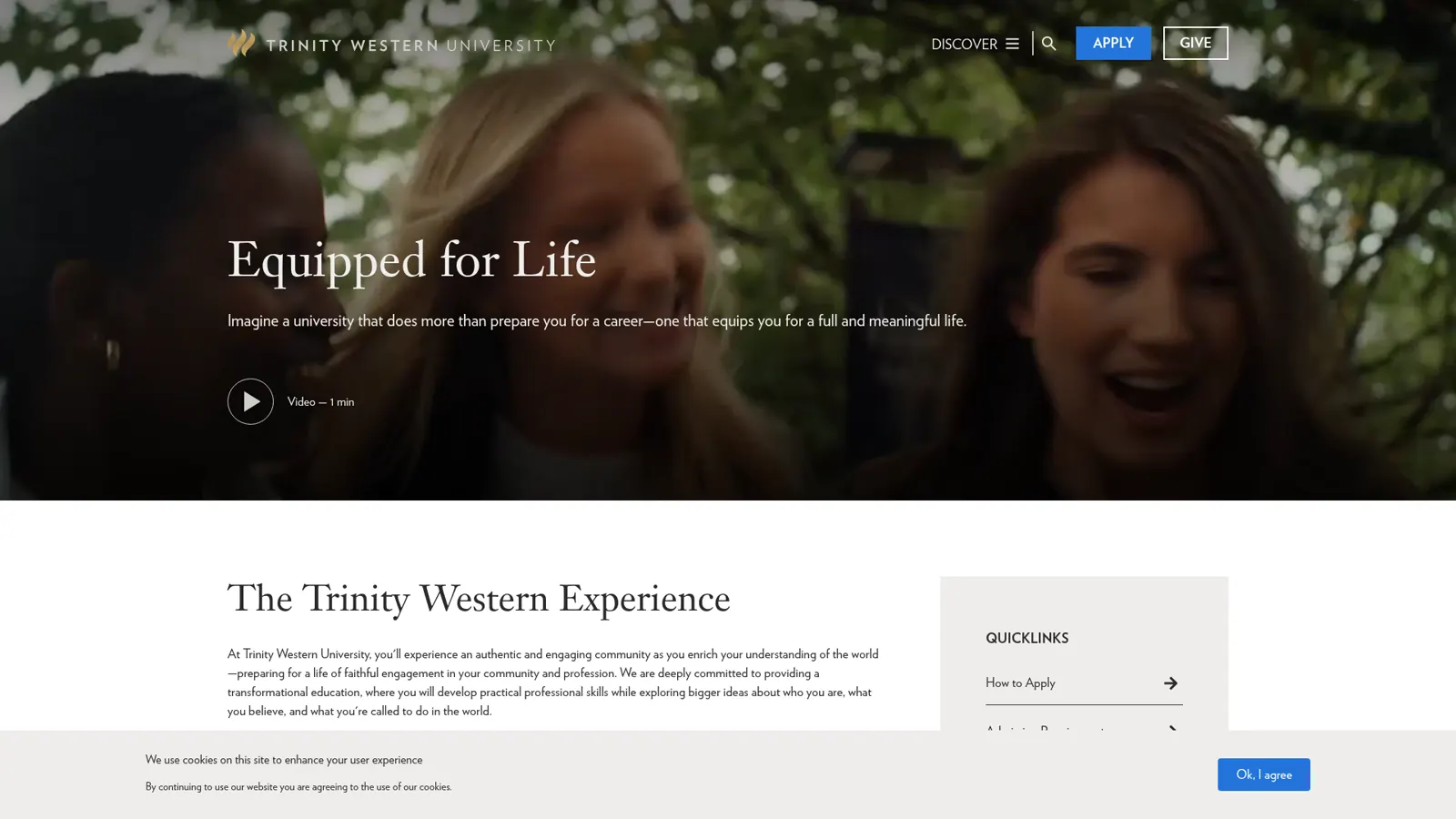
Drupal · 18 weeks
WCAG 2.2 AA accessibility audit and remediation on a cinematic Drupal recruitment site. 287 issues closed, Lighthouse a11y 71 to 97, VPAT delivered.
How we work
Step 1 · 1 week
Automated scans across the whole site plus a list of the pages that matter most: home, donate, programs, events, volunteer and contact.
Step 2 · 1 to 3 weeks
Keyboard, NVDA, JAWS and VoiceOver testing against WCAG 2.2 AA on priority pages and every reusable template.
Step 3 · 2 to 8 weeks
We fix components, forms and templates in your CMS, or hand your developers ticket ready findings with code examples.
Step 4 · Ongoing
Automated regression checks on each release, quarterly manual spot checks and an updated accessibility statement.
FAQ
The Department of Justice says the ADA requires organizations open to the public to make their web content accessible, and programs that receive federal funding also fall under Section 504. If you deliver services on behalf of a state or local government, ask your counsel whether that agency's ADA Title II obligations reach your site.
Build to WCAG 2.2 AA. It is the current W3C recommendation and includes every WCAG 2.1 AA criterion, so it covers standards that still reference 2.1, including the ADA Title II rule for public entities.
No. Overlays change the page in the browser but leave the underlying code unchanged, and in 2025 the FTC ordered overlay vendor accessiBe to pay $1 million over misleading claims that its product could make websites compliant. We fix the code itself.
A focused audit of priority pages and templates usually takes 2 to 4 weeks. Remediation runs 2 to 8 weeks depending on how many components need work and whether your team or ours makes the fixes.
Yes. Most accessibility work is on existing sites. We work in WordPress, Drupal, Webflow and custom code, and either fix issues directly or hand your developers ticket ready findings with code examples.
It depends on page count, templates, PDFs and media. We work with any budget, start with the pages that carry the most risk and quote a fixed fee after a short review.
Yes. We tag and fix reading order in PDFs such as annual reports, add captions and transcripts to video, and recommend publishing key content as accessible HTML first.
Pick a time that suits you, or send a short note and a senior team member replies within one working day.